BUG REPORT
Blumgi Bloom

Players who enjoyed Blumgi Bloom also loved these




















Hot titles being played across the platform
 HOT
 HOT
 HOT
 HOT
 HOT
 HOT
 HOT
 HOT
 HOT
 HOT
 HOT
 HOT
 HOT
 HOT
 HOT
 HOT
 HOT
 HOT
 HOT
 HOT
Pick another awesome game and continue playing





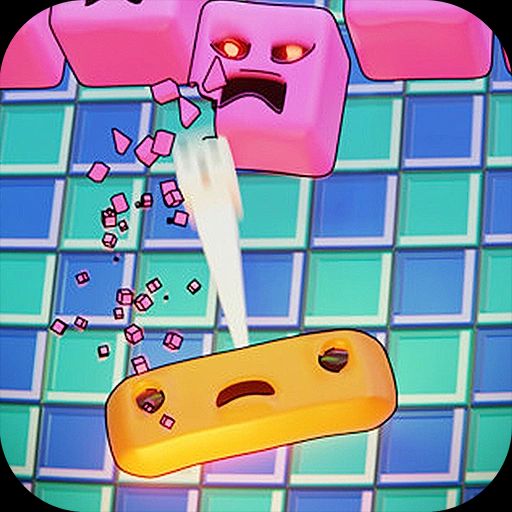




Some puzzle games make you think. Blumgi Bloom makes you think, then giggle when a flower explodes in a puff of petals. The premise is simple: you're given a quirky little plant creature, a goal, and a handful of physics-based tools. Getting from point A to point B is never as easy as it looks, and that's exactly why players keep coming back.
Blumgi Bloom belongs to that rare class of browser puzzle games that feel instantly familiar yet never quite play the same way twice. Each level is a miniature sandbox of cause and effect — pull the wrong vine, launch a seed at the wrong angle, and you'll watch your plan unravel in slow motion. It's the kind of game that fits perfectly into a quick break, which is why it's become a staple on unblocked games sites and a favorite among students hunting for classroom games unblocked during a free period.
What makes it stick? Charm. The art is bright and bouncy, the sound design is satisfying, and the difficulty curve sneaks up on you. You'll breeze through the first few stages, then hit a level that has you staring at the screen for ten minutes. That balance is the sweet spot every puzzle game chases, and Blumgi Bloom nails it.
Your objective in each stage is to guide the bloom to its target — usually a glowing goal zone — using the tools the level gives you. Some stages hand you a slingshot, others give you rotating platforms, springs, or sticky surfaces. The trick is figuring out the right sequence and timing.
On desktop, you'll mostly rely on your mouse. Click and drag to aim and launch, click to activate switches, and use the on-screen buttons for any special actions. Keyboard shortcuts vary by level, so watch for prompts. On mobile, everything is tap and swipe — drag to aim, release to fire, and tap objects to interact. The touch controls are surprisingly precise, which matters when a single pixel of angle decides whether you win or faceplant.
There's no timer pressure in most levels, so you can plan as long as you like. That said, some stages reward speed or efficiency with bonus stars, so don't get too comfortable.
1. Watch the whole level before you touch anything. New players rush the first move. Instead, scan for hidden platforms, moving parts, and where the goal actually sits. Half the solution is usually visible before you fire a single shot.
2. Use failure as data. When a launch misses, note the angle and adjust by small increments. Physics puzzles reward patience, not wild guesses. Two or three careful attempts beat twenty random ones.
3. Think about the environment, not just the bloom. Many levels are solved by moving something else first — knocking over a block, triggering a switch, or clearing a path. The bloom is often the last piece of the puzzle, not the first.
Yes. It's a free browser game, playable on unblocked gaming sites without any download or account.
Absolutely. The touch controls work well on mobile, though the larger screen on a desktop or laptop makes precise aiming a bit easier.
In most cases, yes. It runs in the browser and doesn't require heavy hardware, making it a solid choice for classroom games unblocked during downtime.